 O Caption
Fix broken or reversed Arabic text in DaVinci Resolve
Why Arabic shows as separate or reversed letters in DaVinci Resolve, and how to fix it fast.
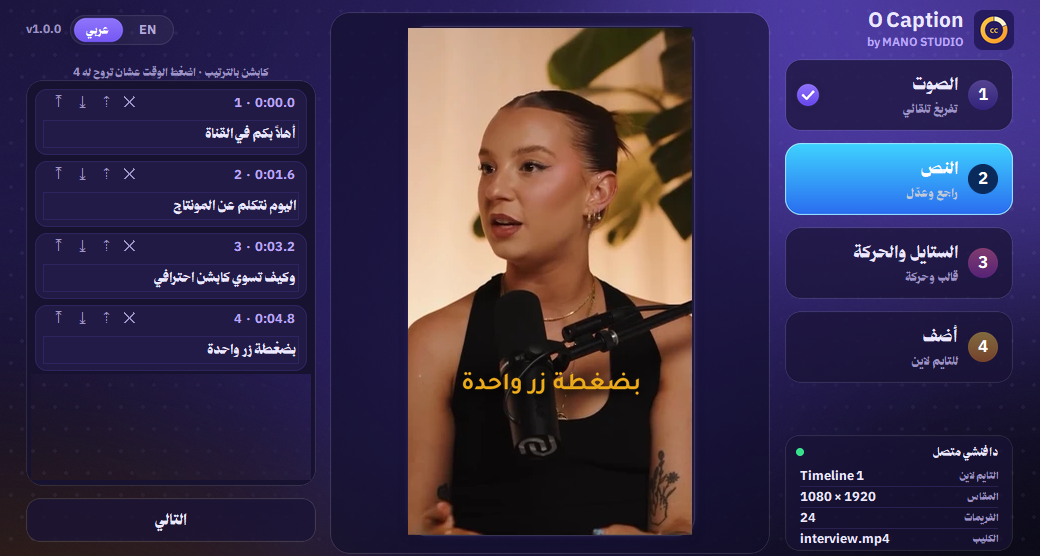
A classic problem for Arab creators in Resolve: you type an Arabic sentence and the letters come out disconnected, or the words in reverse order. The causes are known and the fixes are simple.
Cause 1: the font has no Arabic
Some Latin fonts have no Arabic glyphs, so Resolve swaps in another font and the shape breaks. Pick a clear Arabic font such as Tajawal, Cairo, Noto Kufi Arabic or Arial.
Cause 2: copied text with reversed direction
Text copied from an app that displays it backwards can carry the wrong order. Retype it in Resolve or copy it from a normal source like a browser or Notepad.
Cause 3: Arabic and English on one line
English words and numbers inside an Arabic sentence can jump to the wrong place. Put the English word on its own line, or at the start or end of the sentence.
Cause 4: the old Subtitle track
In some older versions the default Subtitle track handled Arabic poorly. A Text+ element gives you better control over font and direction.