 O Caption
Where to place captions on Reels, TikTok and YouTube Shorts
Where to put captions in a 9:16 video so TikTok, Instagram and YouTube buttons do not cover them.
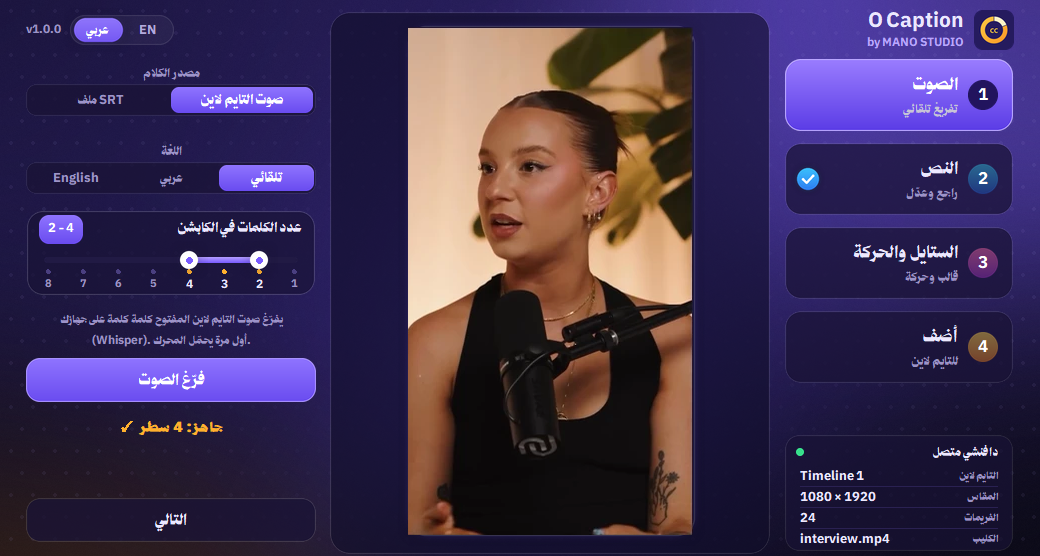
You design a great caption, post the video, and the like button or your handle covers it. Every platform draws its own interface over the video. The fix: know the safe zone.
Quick rule for 9:16
- Keep captions off the bottom: roughly the last 20% holds the handle, description and music.
- Stay away from the right edge: like, comment and share buttons take a vertical strip there.
- Some apps show tabs and the handle at the top, so do not stick text to the top edge.
- Safest spot: between the middle of the screen and the lower third, centred.
Font size
Captions must read on a small phone while moving. In a 1080x1920 project, 60 to 90 works for single words, a bit smaller for longer lines. An outline or shadow keeps text clear over any background.
One accent colour
Colour the key word (yellow or green, say) and keep the rest white. It grabs attention without cluttering the screen.
💡 In O Caption you drag the caption into place on the preview and resize it from its corners over your real frame, so you see where it lands first.